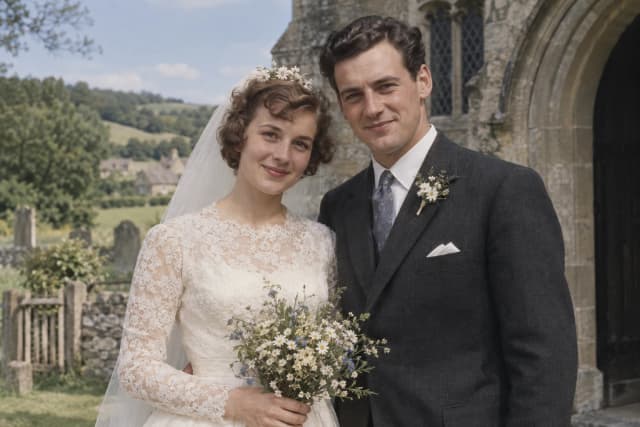
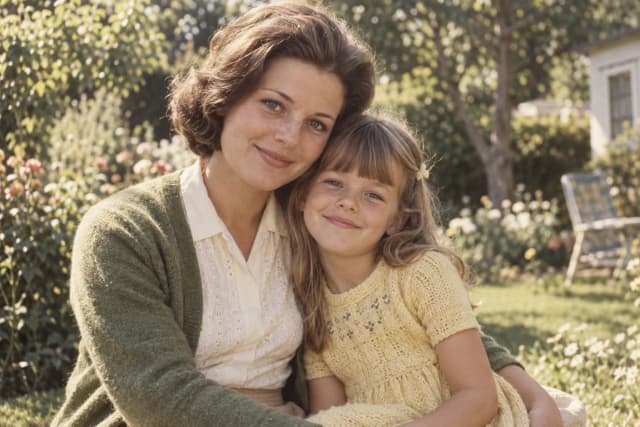
Damage & fading
A goodbye at the station
Faded family snapshots
Bring your favorite old photos back into focus. Repair damage, rediscover the details, and add a little color to your family’s story.
No account needed to preview. Sign in for one free trial restoration — new accounts get one free photo.
Give a faded or damaged photo a fresh start.
or drop a photo here
JPG, PNG or WEBP · Up to 20 MB
An upload copy is compressed in your browser; your original stays unchanged.
Explore without signing upYour photo stays on your device until you start AI processing.
Station snapshots, a grandfather’s workshop, lakeside summers and vintage portraits. Find a photo like yours, open it up, and explore the details.
Faded family snapshots
Scratches & treasured everyday moments
Childhood holidays in color
People, places & the colors of autumn
Eyes, hair & portrait detail
Soft family photos & familiar faces
Illustrative examples: AI-created photos with simulated damage, grayscale or blur. These are not tested restoration results.
Switch between the three treatments to preview the kind of change each one makes.
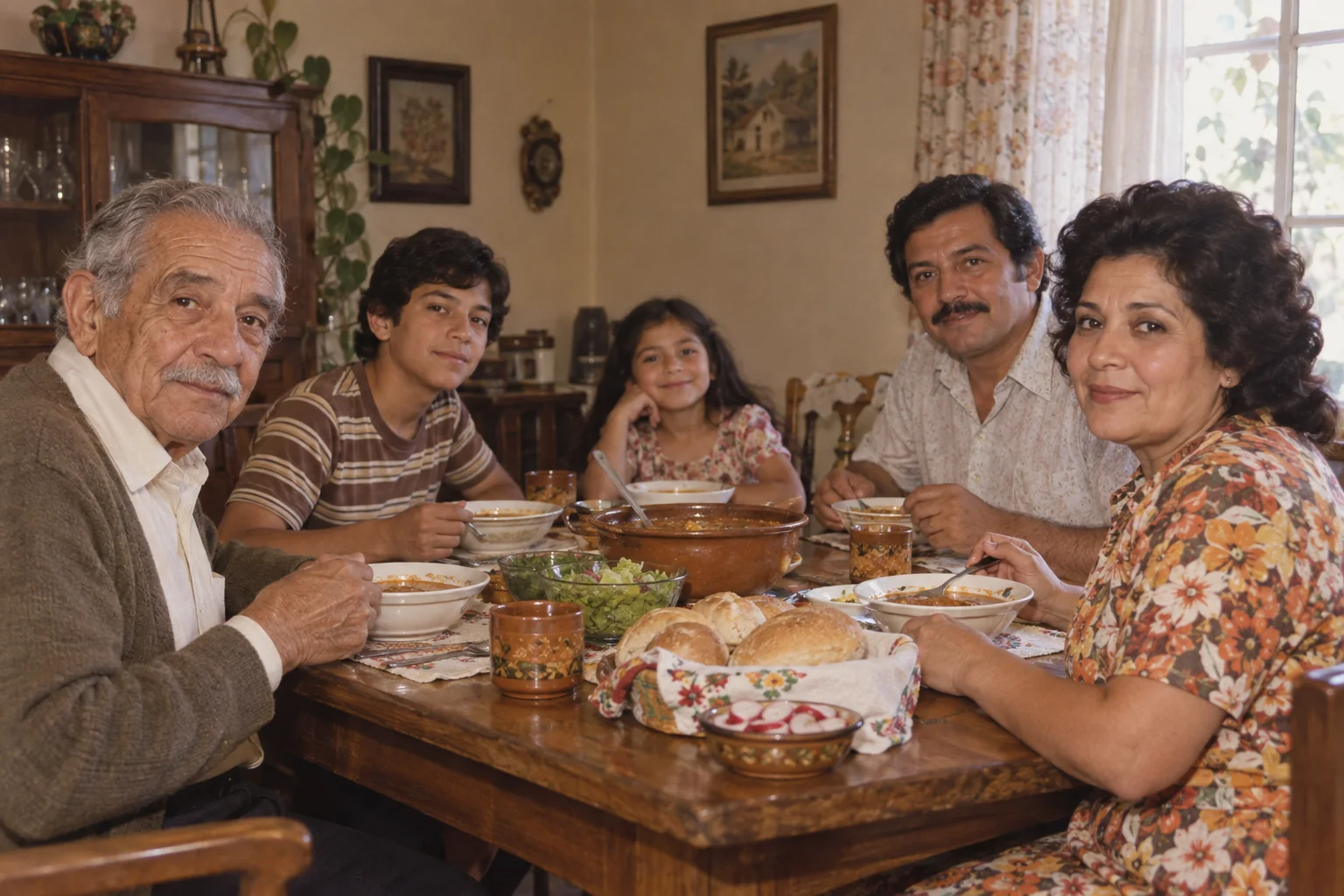
The same memory, seen a little more clearly.
Try this treatmentInteractive illustration using AI-created photos and simulated damage; results vary by photo.
Upload a scan or a clear picture of your printed photo. Your original file stays as it is.
Choose restoration, colorization, or enhancement. Keep the original tones or explore natural color.
Compare both versions with the slider, then download the result you want to keep.
Every photograph is different. These are common issues you can try to improve.
Light marks and surface wear
Visible cracks and creases
Color and tonal loss
Blur and low clarity
Subtle detail with care
From family portraits to the streets you once knew, find a starting point for your photo.
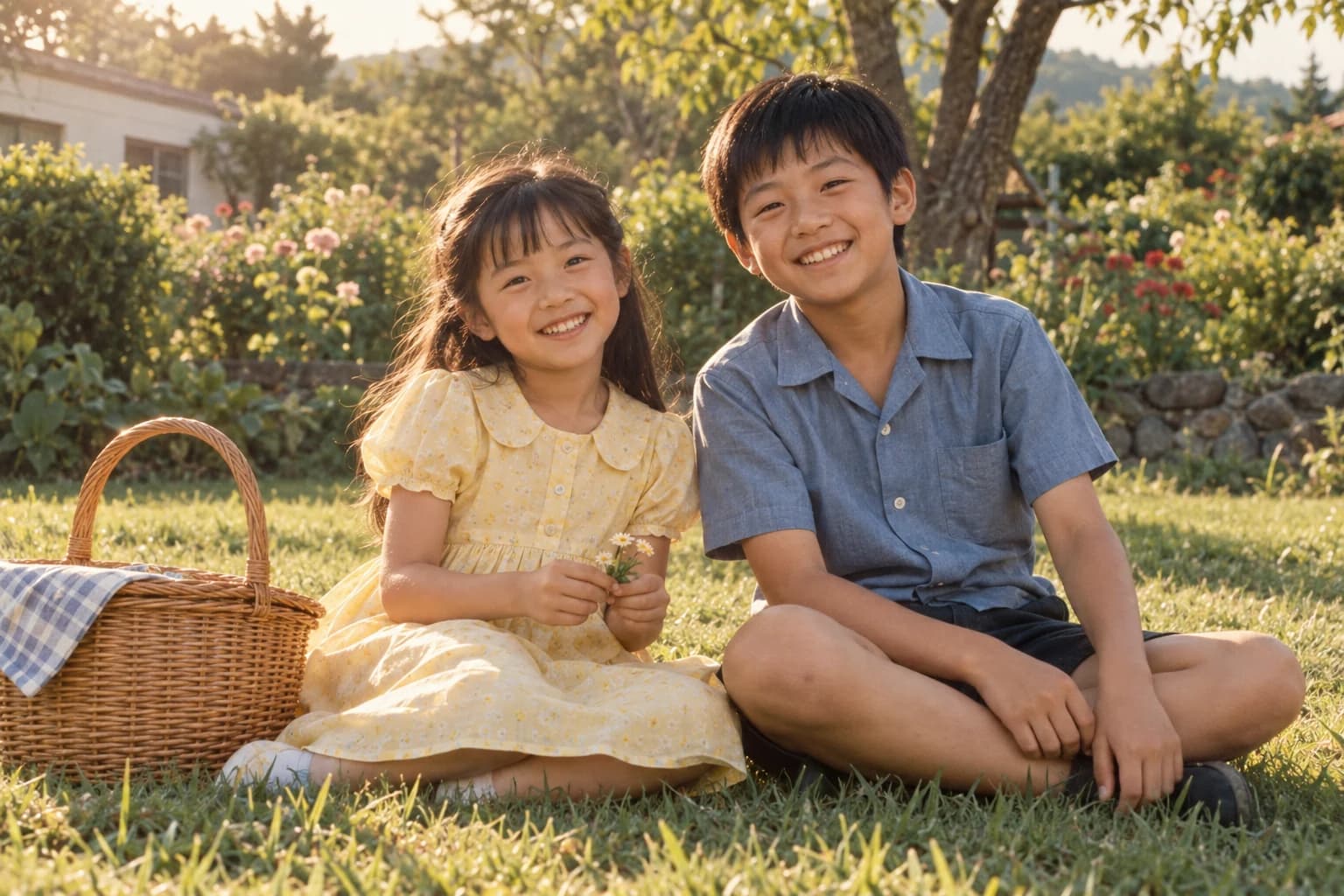 Those endless summersBlack-and-white childhood photosTry this style
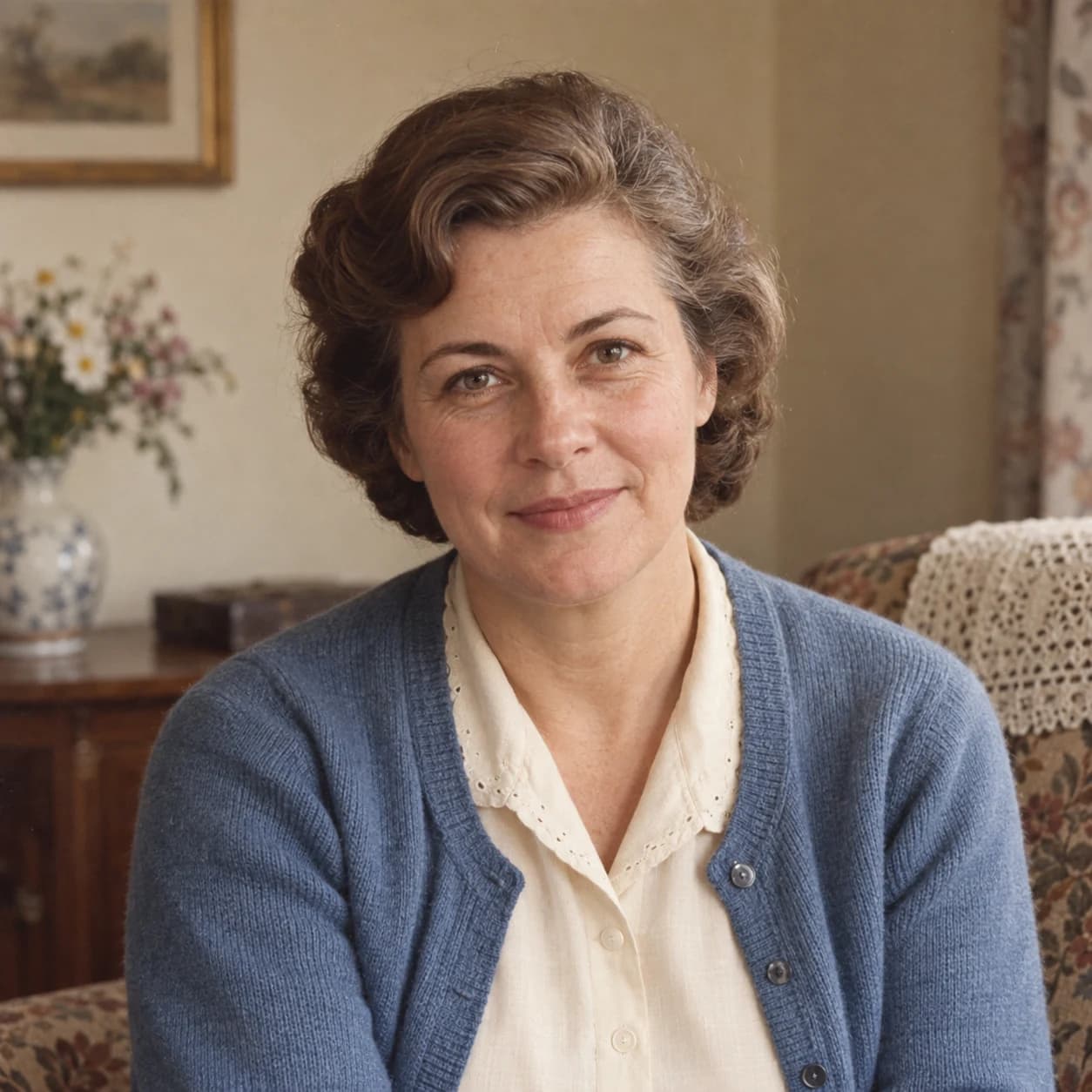 The little things we rememberHair, eyes & fabric textureTry this style
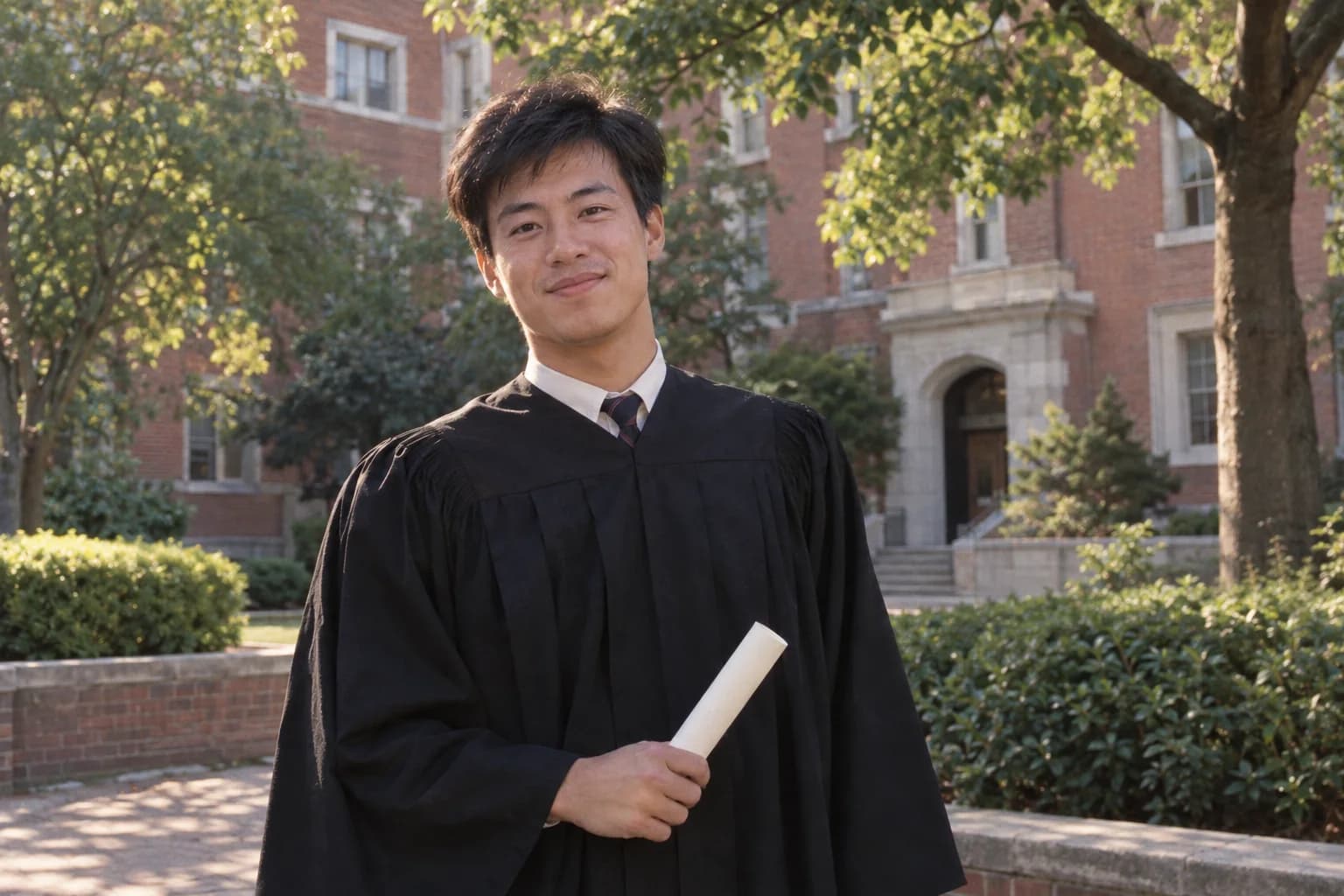 The day of graduationSchool portraits & milestone memoriesTry this style
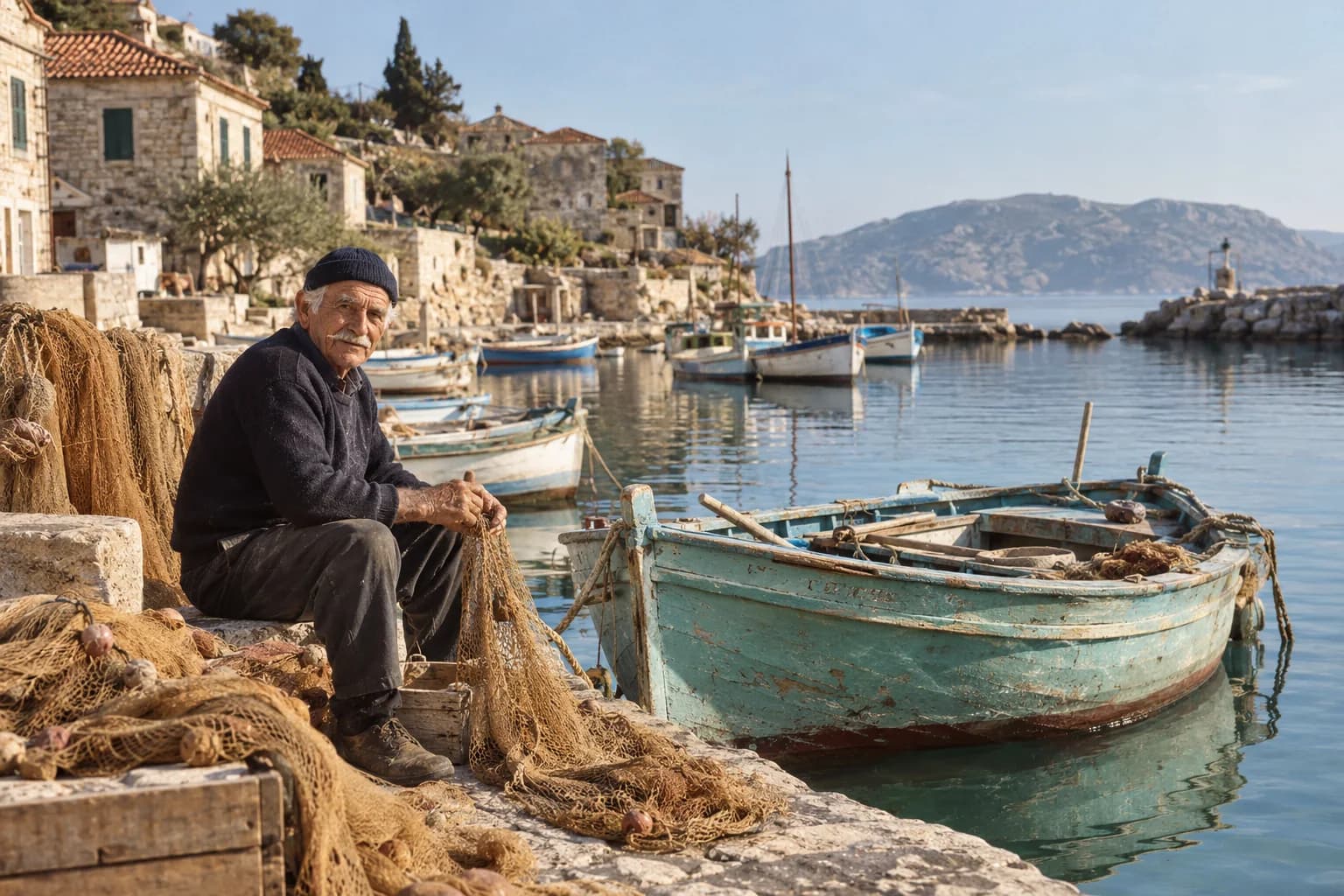 Morning at the fishing harborSeaside colors & travel albumsTry this style
Images shown are AI-created illustrations.
Start with one image. Keep the original, and decide what feels right.
Start with our free old photo restoration guide to understand previews and the Daily Free allowance.
Use a JPG, PNG, or WEBP up to 20 MB and 25 megapixels. An upload copy is compressed in your browser before processing, with a maximum long edge of 4000 pixels. Your original file stays unchanged. A flatbed scan works well. If you photograph a print, use even light and avoid glare.
Restoration is instructed to preserve faces, expressions, and the original composition. AI may still interpret damaged or missing details differently. Always compare the result with your original, especially for heavily damaged faces.
No. Our example photos were created with AI. Damage, grayscale, and blur are simulated to demonstrate the comparison interface. These are not measured restoration results.
You can upload and preview a photo without signing in. Sign in to start a restoration — each new account includes one free trial restoration, limited to one photo.
Selecting a photo creates a local browser preview. Only pressing the restoration button sends an upload copy to our server and the configured AI provider. We keep encrypted processing results in your private account history for 7 days so you can download them again, and you can delete them sooner. We do not retain your original upload in history. The provider’s own data policies apply.
No. Colorization estimates plausible colors from the image. Clothing, skin tones, and surroundings may differ from the original scene. Keep the black-and-white original alongside the colorized version.