Portraits & clarity
A portrait from another time
Eyes, hair & portrait detail
Reduce noise and improve clarity in soft or faded photographs, with a finish that still feels like your photo.
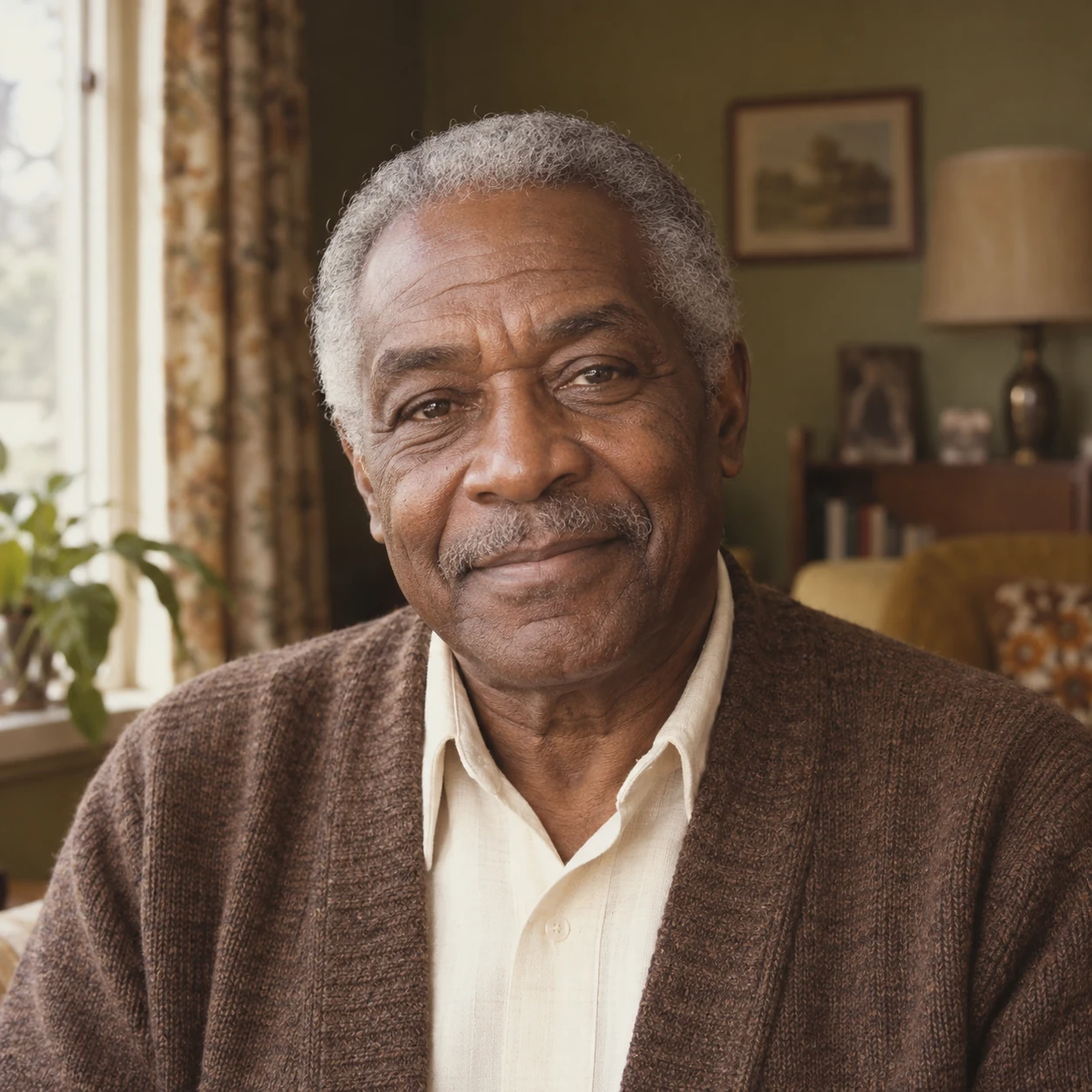
Illustrative comparison · AI-created photo with simulated damage, grayscale or blur
Bring the little details back into focus.
or drop a photo here
JPG, PNG or WEBP · Up to 20 MB
An upload copy is compressed in your browser; your original stays unchanged.
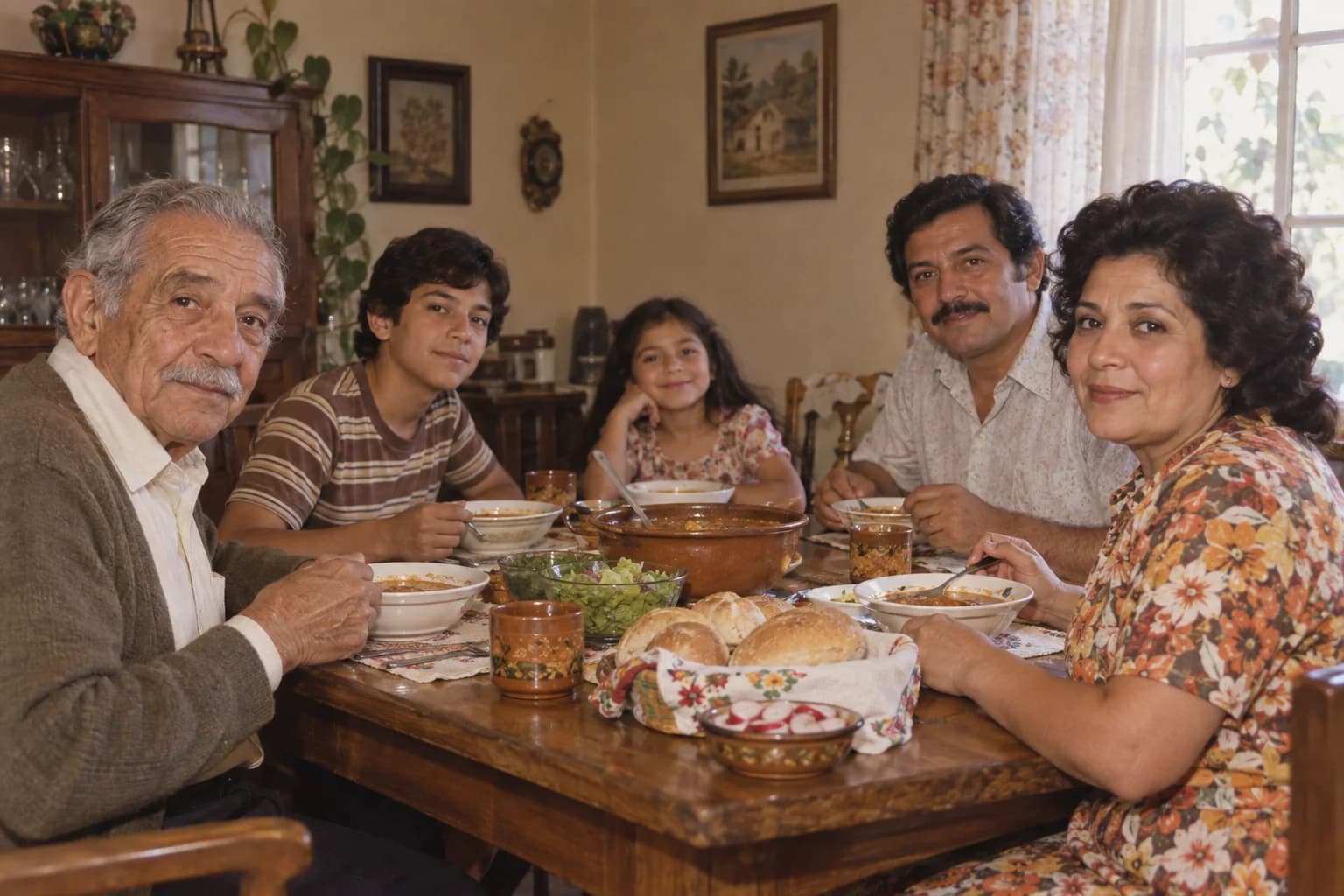
Explore without signing upExplore “A portrait from another time” and “An afternoon in the kitchen”. Compare simulated softness with the clearer version, and look at hair, clothing, and everyday details.
Eyes, hair & portrait detail
Soft family photos & familiar faces
Illustrative examples: AI-created photos with simulated damage, grayscale or blur. These are not tested restoration results.
A quieter background or a clearer outline can make a familiar moment easier to see. Choose the treatment your photograph needs, then compare the result with the source.
 01
01Soften scratches, repair visible damage, and bring faded faces back into focus.
Restore a memory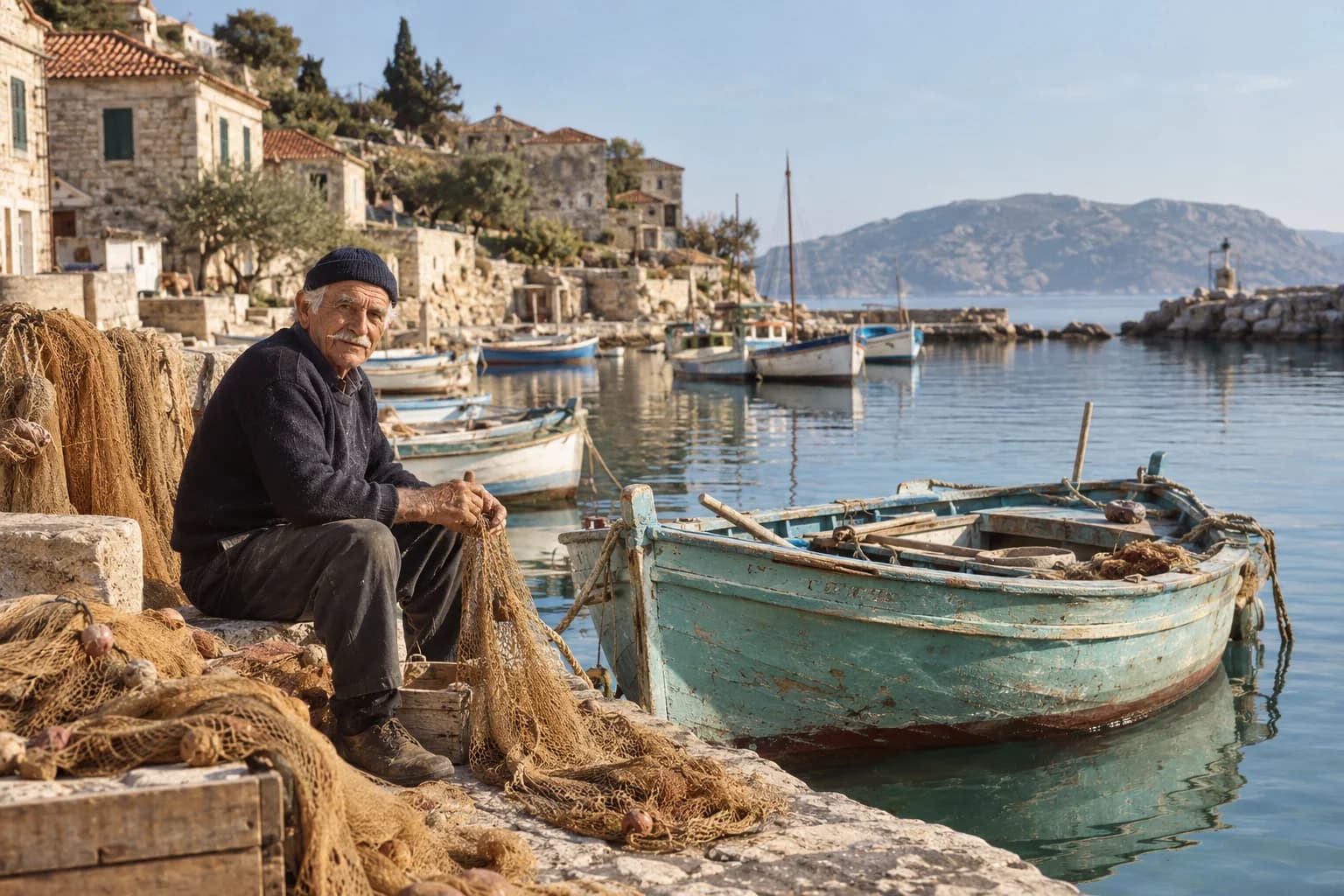 02
02Reimagine black-and-white memories with gentle, believable color.
Explore colorization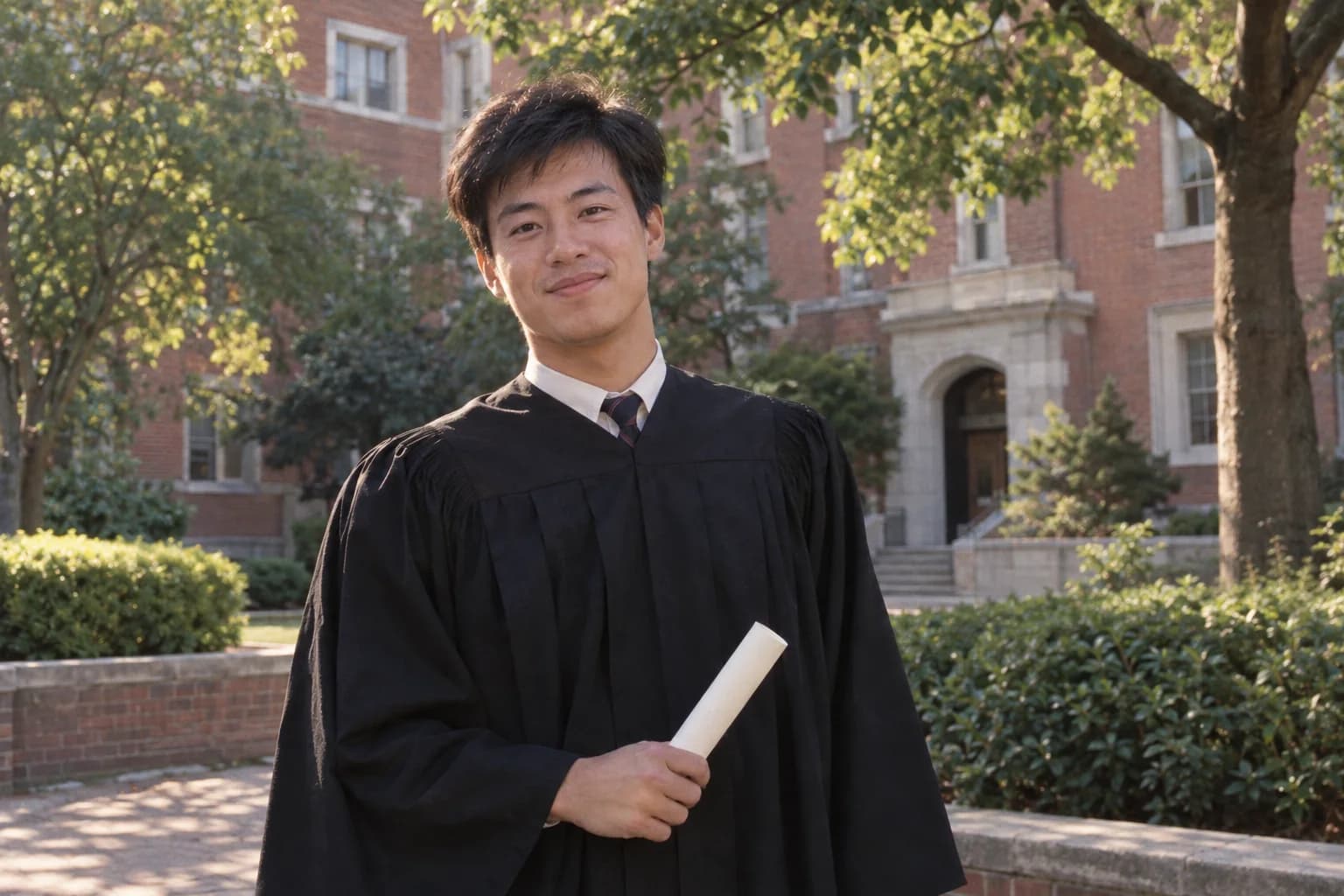 03
03Improve clarity and reduce noise while keeping the character of the original.
Enhance your photoUpload a scan or a clear picture of your printed photo. Your original file stays as it is.
Choose restoration, colorization, or enhancement. Keep the original tones or explore natural color.
Compare both versions with the slider, then download the result you want to keep.
 a little closer to yesterday.
Upload a photo to preview it before processing. Sign in and check the allowance available to your account before requesting enhancement. Free access is limited; Daily Free eligibility for a separate enhancement request is not confirmed. Keep the source beside the result, and judge familiar features before newly drawn texture.
Restore a photoUse a JPG, PNG, or WEBP up to 20 MB and 25 megapixels. An upload copy is compressed in your browser before processing, with a maximum long edge of 4000 pixels. Your original file stays unchanged.
No. Our example photos were created with AI. Damage, grayscale, and blur are simulated to demonstrate the comparison interface. These are not measured restoration results.
You can upload and preview a photo without signing in. Sign in to start a restoration — each new account includes one free trial restoration, limited to one photo.
Choosing a photo creates a local preview on your device. Only when you start processing and agree to the consent notice is an upload copy sent to our server and the configured AI provider. We keep encrypted processing results in your private account history for 7 days; the original upload is not stored in history. Only your own signed-in account with a verified email address can retrieve saved results. To remove a result sooner, go to My account → Photo history → Delete → Confirm deletion. This removes the result from the live database and prevents further downloads. At 7 days, results become inaccessible automatically. Expired records are cleaned up on service startup and every 15 minutes while it runs; if the service is unavailable, cleanup resumes when it returns. Hosting infrastructure backups, if enabled, follow the provider’s own retention schedule and cannot be accessed through photo history. Deleting history does not delete copies you have downloaded or copies held by the AI provider; that provider’s own data and retention policies still apply.
One separate processing request uses one available credit. Selecting restoration with natural color in the same request uses one credit; restoring a photo and later submitting it separately for colorization uses two. The current new-account trial covers one photo. Daily Free is available to claim. Pay for Pro subscriptions and one-time Credit Packs through PayPal. Prices are $12/month for 200 photos, or $72/year with 200 photos refreshed each month: 6¢ and 3¢ per photo respectively when the full allowance is used. Credit packs are $5/50 photos, $12/132 photos, and $18/270 photos, approximately 10¢, 9.09¢, and 6.67¢ per photo when fully used. Each pack expires 365 days after purchase; no reset.
Resizing changes image dimensions, and ordinary sharpening increases contrast around edges. AI enhancement also interprets the image to produce a clearer-looking result, which can change texture or small details. Enhancing old photos is therefore not simply enlarging the same evidence. Compare faces and fine patterns with the source, and check the downloaded dimensions rather than assuming a fixed enlargement ratio. A cleaner or sharper appearance can be useful, but it does not establish that newly visible detail was present in the original.
Start with the natural finish and look at faces, hair, and fabric as well as the background. Reducing noise can smooth useful texture, while emphasizing detail can make remaining imperfections more noticeable. The current interface does not provide separate noise-reduction and sharpening sliders, so it cannot offer precise control for each region. Compare the enhanced photo at the size you intend to use. Some original grain may be preferable to an overly smooth interpretation that changes the photograph’s character.
New-looking detail may be an AI interpretation rather than recovered information. Compare hair, fabric, lettering, and other fine patterns with the source at a similar size. For a small or blurry photograph, convincing texture is not proof of historical accuracy. Look for a better source copy before processing when one is available. Review the result at the size you plan to use, keep the original, and do not use generated detail to establish documentary facts.