Portraits & clarity
A familiar smile
Soft focus & face details
Use AI to bring out visible edges and texture in soft old photos. Compare the result with your original before keeping it.
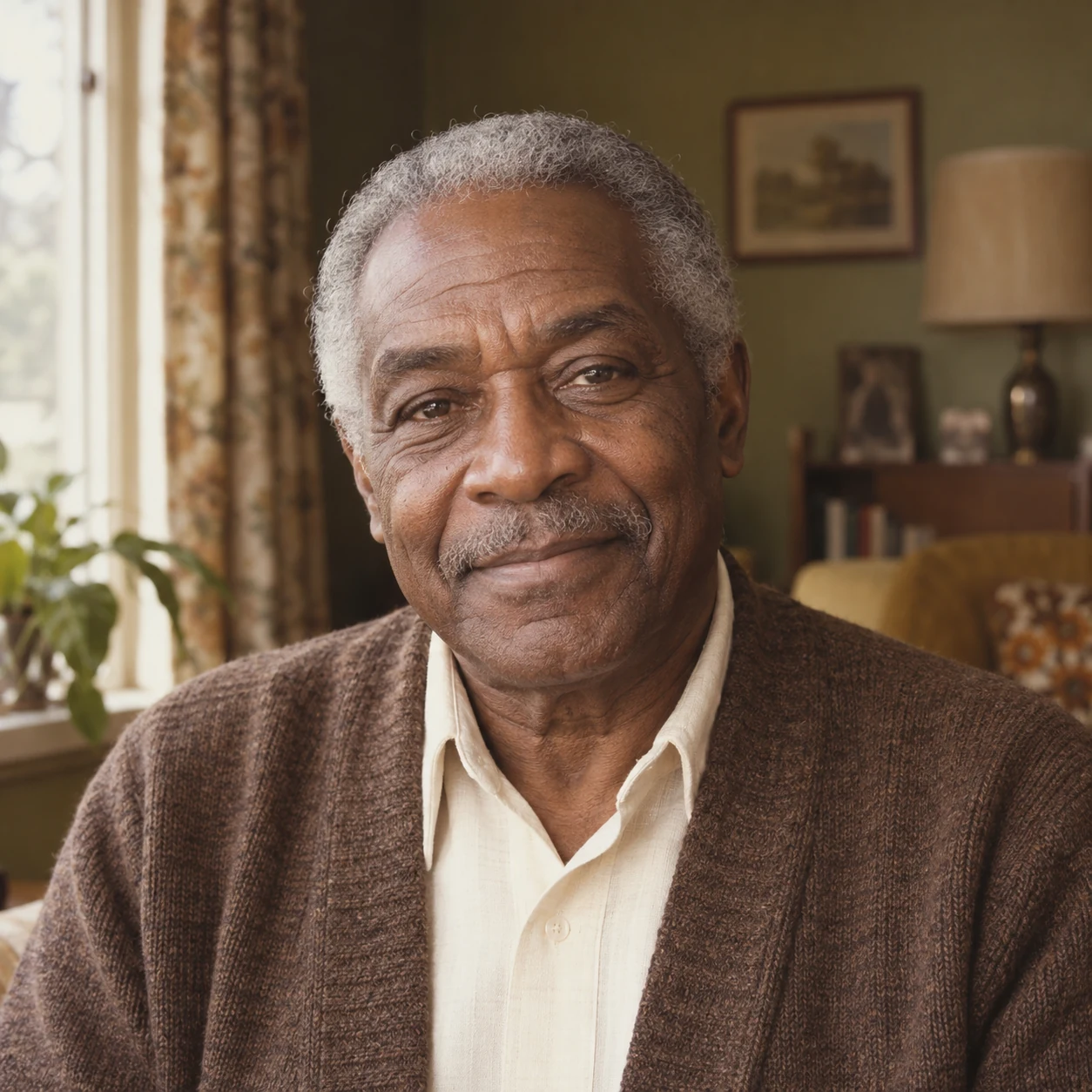
Illustrative comparison · AI-created photo with simulated damage, grayscale or blur
Bring the little details back into focus.
or drop a photo here
JPG, PNG or WEBP · Up to 20 MB
An upload copy is compressed in your browser; your original stays unchanged.
Explore without signing upThese AI-created examples use simulated blur. Open any of the six comparisons to inspect edges and texture at the same size.
Soft focus & face details
Hair, eyes & fabric texture
Eyes, hair & portrait detail
Soft family photos & familiar faces
School portraits & milestone memories
Soft edges in a family group photo
Illustrative examples: AI-created photos with simulated damage, grayscale or blur. These are not tested restoration results.
When a print looks soft but contours are still visible, sharpening can make a face outline or a fabric edge easier to see. Compare the result at the same size as the original.
Start with the clearest scan you have. Mild softness around a collar or a handwritten note can respond to enhancement. If glare or missed focus obscures the subject, capture the print again.
Noise can make texture hard to see. Reducing noise may clarify existing details, but can also smooth original grain. Check fabric, lettering, and hair before keeping the result.
Choose a JPG, PNG, or WEBP and check your preview.
Sign in, select Enhance and Use credits, and start one enhancement request.
Look at the original and result at the same size, then download the result if it helps.
a little closer to yesterday.Sharpening makes existing edges and textures easier to see. This tool offers no resolution enlargement or fixed scale factor. AI cannot recover information absent from the source. Treat any newly visible detail as an interpretation and keep the original for reference.
For more about reducing noise, see our photo enhancer. For scratches or creases, see old photo repair.
This tool uses one credit for each separate enhancement request. Sharpening is part of that enhancement. Daily Free covers eligible standard restoration only. To work on soft edges, choose Enhance and Use credits, then check your available credits before you start.
Upload a JPG, PNG, or WEBP up to 20 MB and 25 megapixels. Your browser prepares an upload copy with a long edge of at most 4000 pixels and keeps the original file unchanged. These limits apply to the input. Output dimensions vary, and there is no fixed enlargement factor.
If scratches cross important parts of the image, start with the standard restoration guide and review the repaired copy. Then try enhancement if edges or textures still look soft. The two steps address different problems. Compare each saved result with the original so you can decide whether enhancement helps.
Mild softness gives the model visible edges and textures to work with. With strong motion blur or a missed focus point, the original detail may be too indistinct to recover reliably. Check hair, lettering, and small patterns at the same display size and keep your original as a reference.
Look at the original and the result at the same display size. Check the edges of clothing, hair, and lettering in places where the original still shows a shape. Stronger contrast can look sharper while smoothing texture or changing fine patterns. Keep the version that best preserves the details you recognize.